
Your first hot dog order,
from supplies to payment.
Order the starter food, collect and stock the delivery, accept a request, prepare the tray, then collect the cash left after service.
Windows Demo · June 2026 footage · Gameplay reviewed September 9, 2026
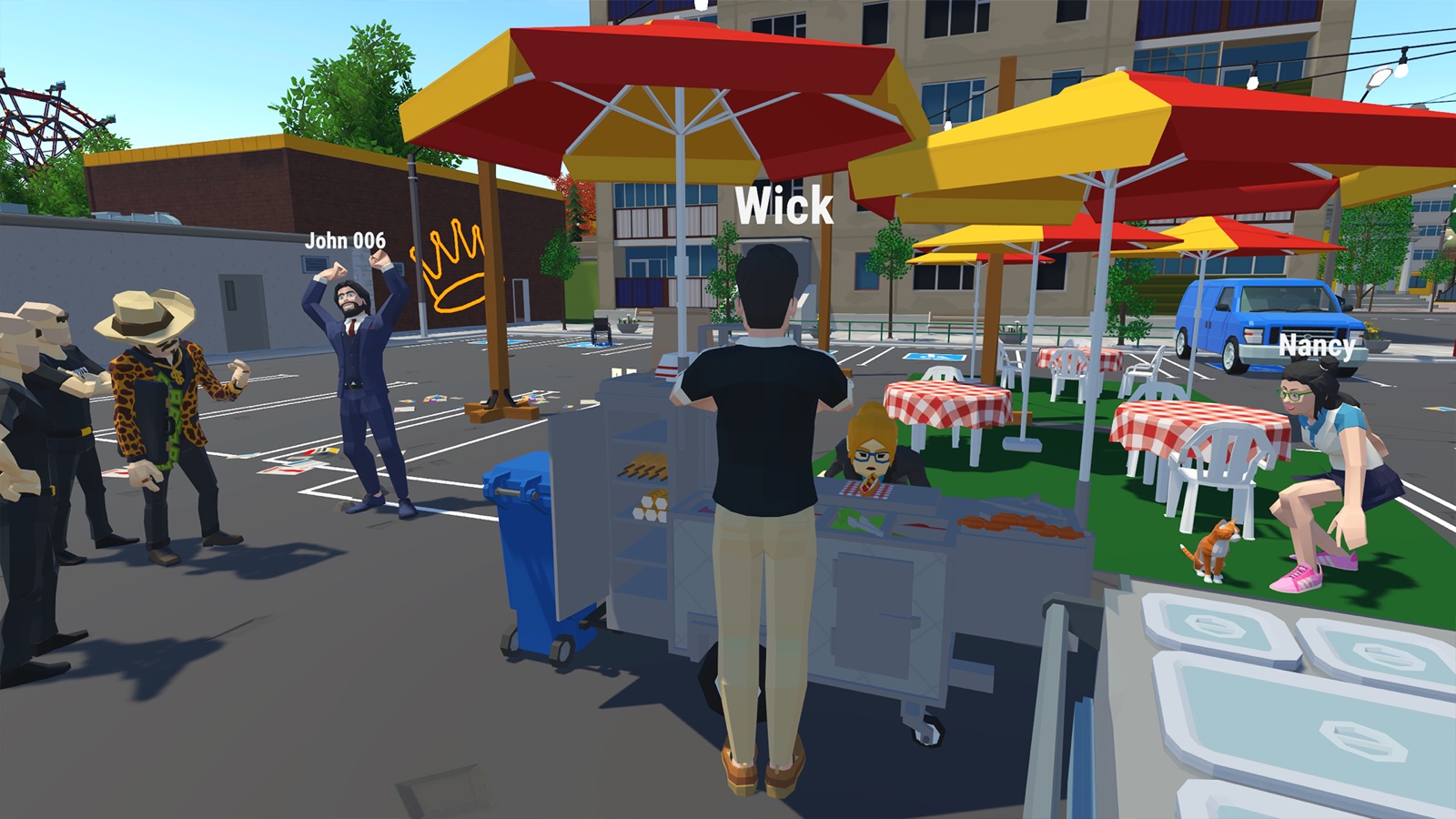
Hot dog cart: finish your first order
For the Windows Demo. Based on observed June 2026 gameplay, reviewed September 9. We have not tested the current installed build. These steps do not cover the Prologue’s pizzeria.
Order the starter food.
At the hot dog cart, open the tablet with Tab. Order pretzels, French buns and sausages from the product catalogue. Use the quantities and total shown in your build.
Collect the delivery.
Look for the delivery truck nearby. Take the food boxes to the cart; buying supplies does not put them straight into the serving area.
Stock the cart.
Transfer the food into its matching storage spaces. Check that pretzels, buns and sausages are available before taking more orders.
Accept an order.
Interact with a waiting customer and accept their request. Read the food icons and order number. Our suggestion: learn with one active order first.
Prepare and deliver.
Match the requested food: put a sausage into a bun and hold the displayed Complete interaction for the hot dog; add a pretzel if requested. Carry the tray to the customer with the matching number.
Collect the payment.
Check the tables for cash after service and pick it up. Restock before repeating the loop.
Stuck on your first order?
Use these checks alongside the six steps above. They refer to the June Demo recording, not confirmed fixes for current-build bugs.
I ordered food. Where do I get it?
Check the nearby delivery truck, carry the boxes back to the hot dog cart, then move the food into its matching storage spaces. Ordering and stocking are separate steps in the recording.
I have a bun and sausage. How do I finish the hot dog?
Place the sausage into the bun and hold the displayed Complete interaction. Follow the control shown in your game, then put the prepared food on the tray. Check the order’s food icons for anything else requested.
Which customer gets this tray?
Read the number on the accepted order and match it to the customer’s number marker before carrying over the tray. Our suggestion: learn with one active order so it is easier to track its food and recipient.
I served the food. Where is the payment?
Look on the tables for cash and pick it up. The recording shows money left on a table after service; delivering the tray is not the last action in this demonstrated loop.
If your controls or business differ, check which version you opened. These checks do not cover the Prologue’s pizzeria. We have not verified workarounds for missing deliveries, stuck interactions or lost orders.
Follow the reference footage
InsideAgameR’s June 24 Demo recording is the source for this sequence. Open the relevant moment alongside the steps; these links go to the creator’s original video.