
Flip & Shop Simulator.
Start your first shift.
From a box of supplies to your first paid order. Find the Demo walkthrough, choose the right trial, and get a feel for the city.
Windows Demo guide · June 2026 footage
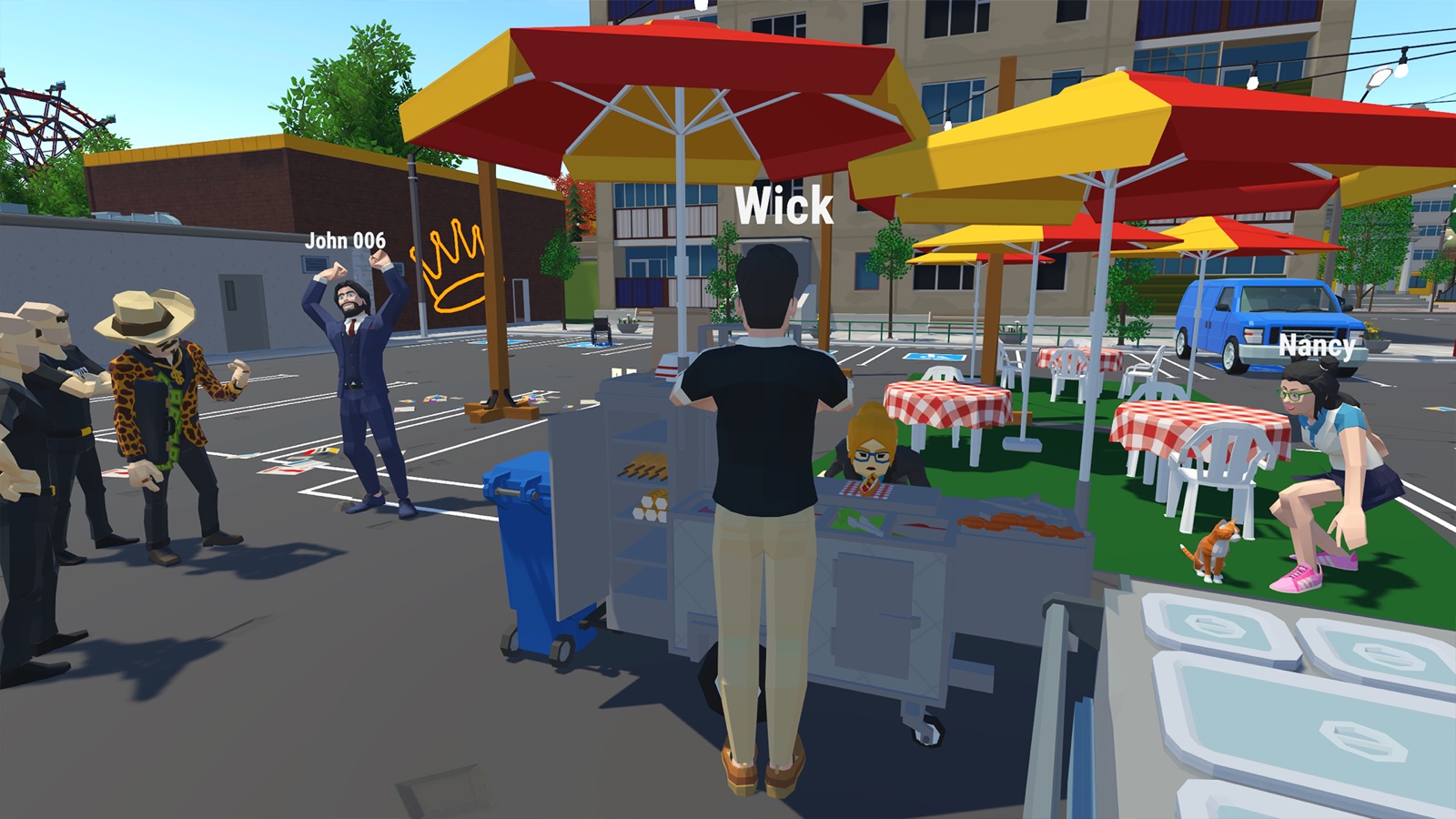
Official Steam destinations · Checked September 16, 2026
What do you need
a hand with?
Start with the question in front of you.
Finish your first hot dog order
Order, unload, stock, serve and collect payment.
Ordered food. Where is the delivery?
Demo hot dog cart: find the truck and stock your supplies.
Bun and sausage ready. How do I finish?
Demo hot dog cart: check the Complete interaction.
Which customer gets this tray?
Demo hot dog cart: match the order and customer numbers.
Food served. Where is the money?
Demo hot dog cart: check the tables for payment.
Demo or Prologue?
Different businesses, separate Steam entries. Choose the one you mean to play.
A first look at the Demo survival shop
Recognize the order box, weapon display and customer ID screen.
One city. Different kinds of work.
Flip & Shop is a shopkeeping simulator from Tovarishch Games and PlayWay, with solo and online co-op play listed on Steam. The trial you open determines which businesses are included.
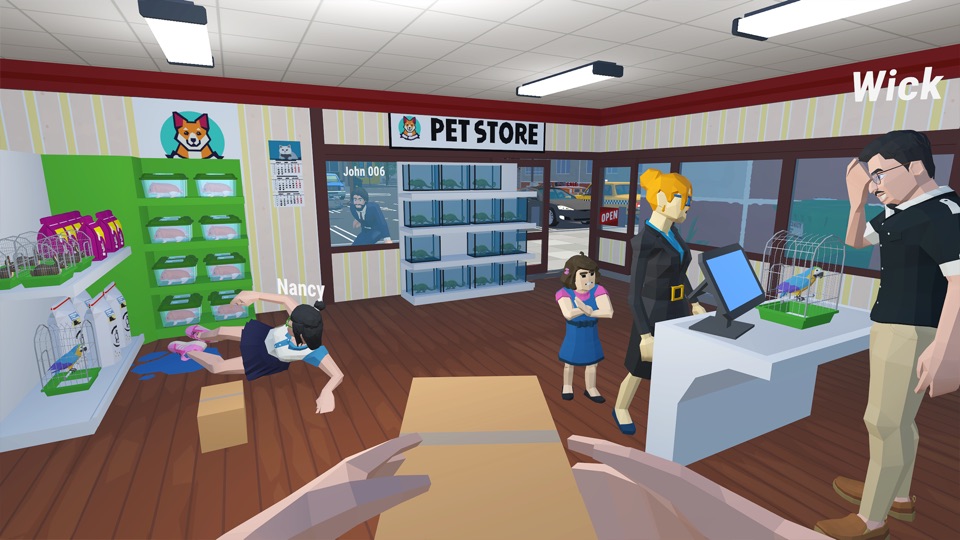
Know which shops are in your version
The Demo includes hot dog stand, pet shop, survival goods store. The Prologue includes pizzeria, liquor store, mystical goods shop.
Compare the business lists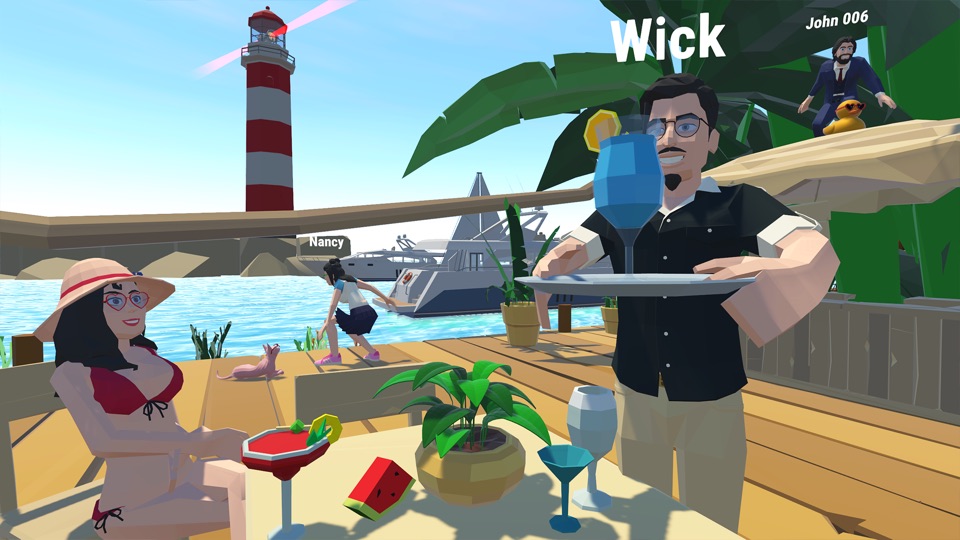
Play at your own pace
The developer describes running businesses alone or with friends. Our suggestion: learn one business first, then decide how to divide the work.
Read the version questionsInside the Demo survival shop
A short introduction to the interfaces visible in reviewed Demo recordings. These observations cover the footage shown, not a current-build playtest or a complete order walkthrough.
Order boxes show item requirements
In the June recording, an Order #1 box displays Heavy pistol 0/2. This is one visible order example, not a requirement for every customer. See the order box at 28:53–29:03.
Weapons appear on a display rack
The September recording shows a rack holding handguns behind the survival-shop counter. See the display from 6:43.
Customer ID has its own decision screen
The June footage shows a customer identity card with Approve and Reject prompts. This screen alone does not establish how to cancel an accepted order. See the ID screen around 30:28.
Footage: InsideAgameR, June 24, 2026 (Demo v0.7.7d), and DavidMosier79Gaming, September 13, 2026. Reviewed September 20, 2026. A later upload date does not confirm a newer build. These observations do not establish Prologue or full-game mechanics.
See the city in motion.
The Demo trailer shows the game’s shopkeeping and co-op setting. It is promotional footage, not a walkthrough or a promise that every scene appears in each trial.
Provided through the publisher’s Keymailer media page.
Preview image: publisher press artwork. Loads YouTube only when selected. Watch on YouTube.
Before you download
Both trial listings specify Windows. The Demo lists 5 GB of storage; the Prologue lists 10 GB. Check the complete requirements and the version name before installing.
Check the PC requirements